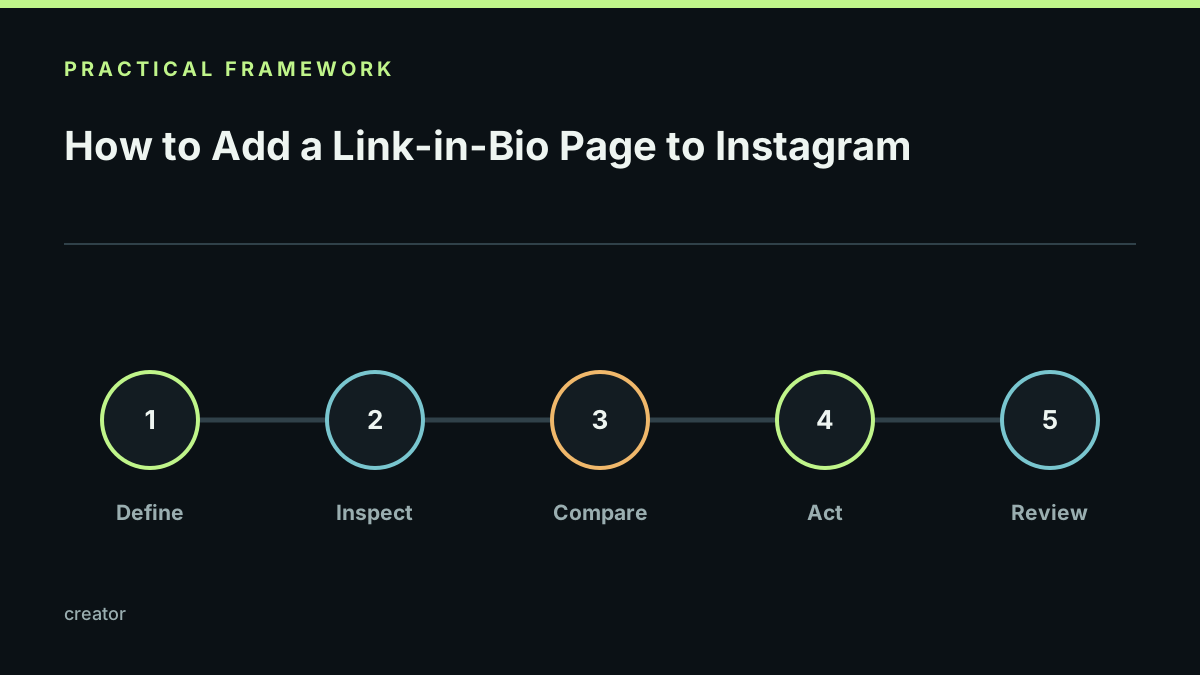
Instagram profile settings change over time, but the useful part of the job stays the same: publish a working public page, copy its address, add it to the profile’s website field, and open the profile as a visitor.
Before updating the profile, publish the page and test it from a private browser window. Check that the first link works, the bio explains the page, and the page loads well on a phone. Then add the canonical public address from Link by StonkBuilder.
Do not paste a draft, preview, or editor address into a public profile. Recheck the profile after saving, and revisit the link when the campaign changes.
Keep the public page readable for people arriving from a small screen. Put the most important destination first, describe what a visitor will get, and remove expired promotions rather than stacking more links. Never ask visitors to reveal a recovery phrase or sign a transaction merely to view a creator page.
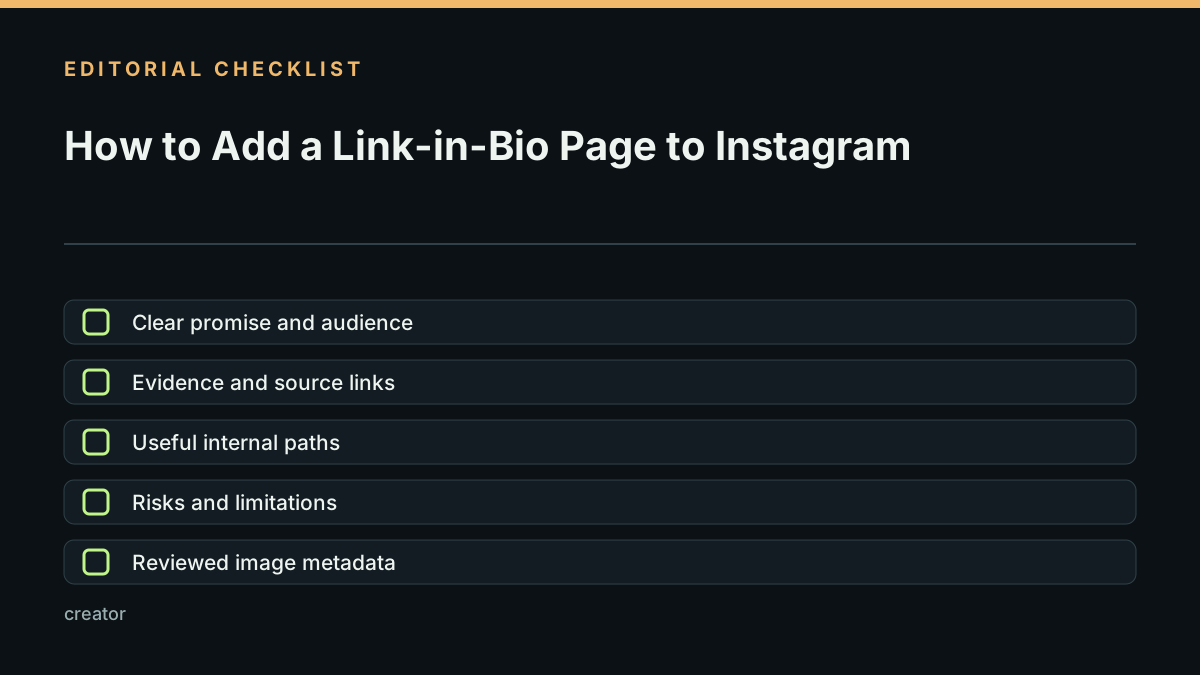
Before you share it, run the creator page launch checklist.
Last reviewed 2026-09-21. Confirm current Instagram labels in the app before publishing instructions for a specific account type.